
Color index
Photo to Pixel Color Palette Card with AI
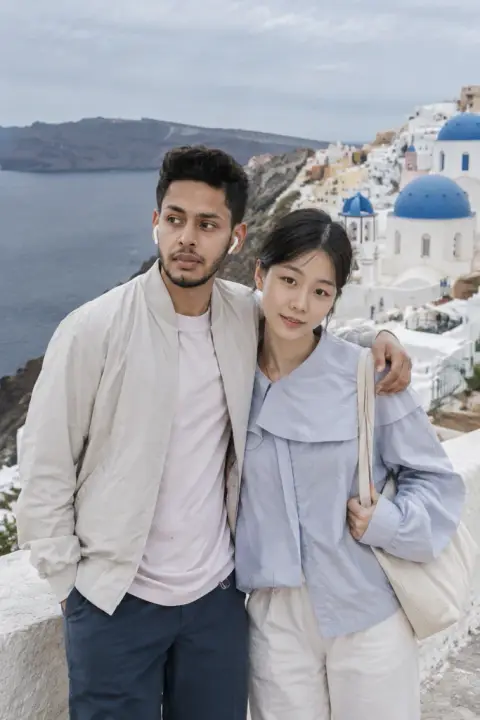
Your photo above and the same photo distilled into four pixel color tiles below, like a printed color study, with your own title. People, pets, buildings and food all work.
Redrawn by AI from your photo · points back if it fails · private by default
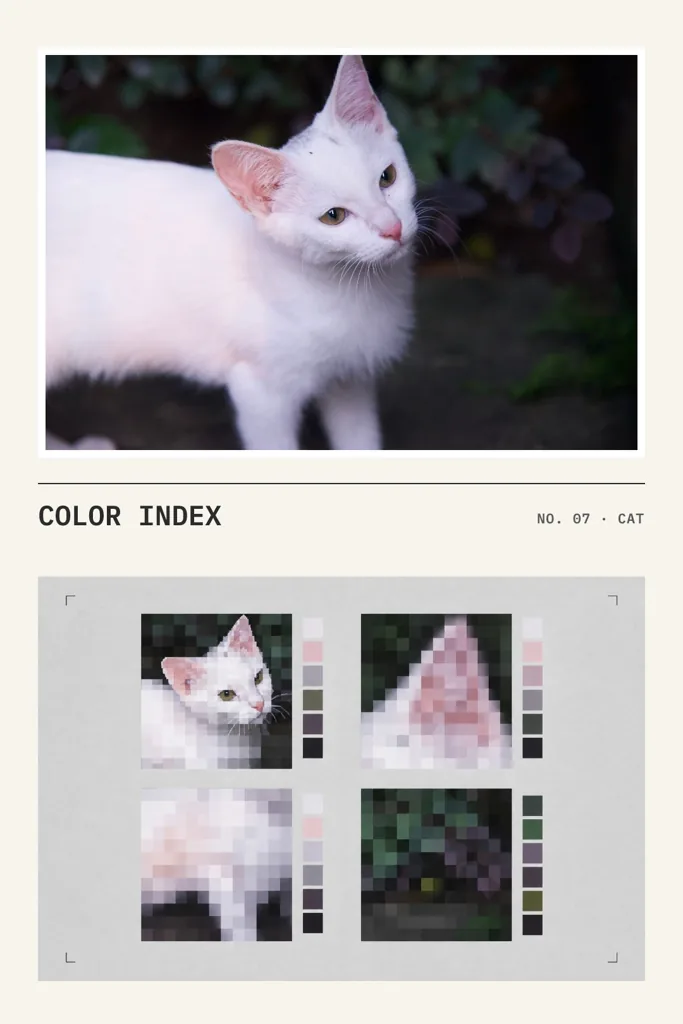
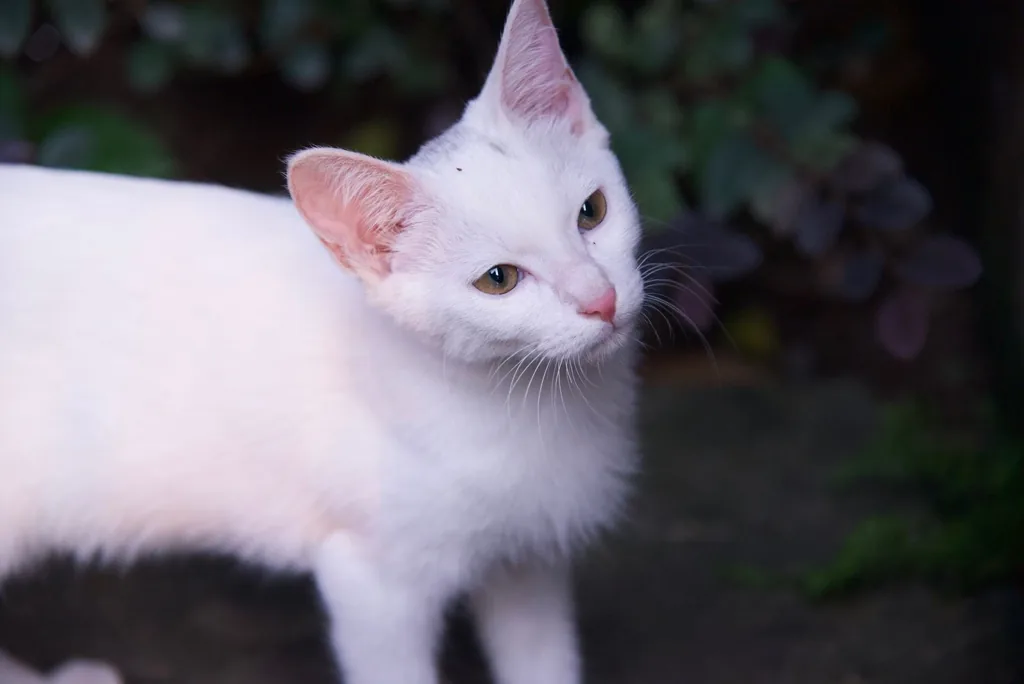
Photo used
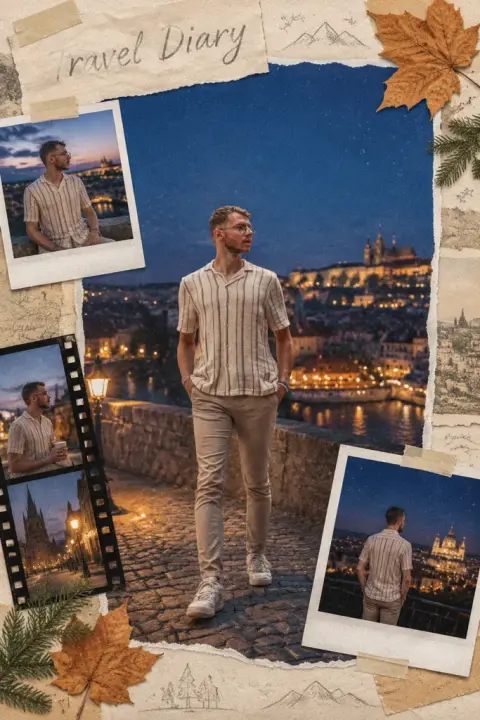
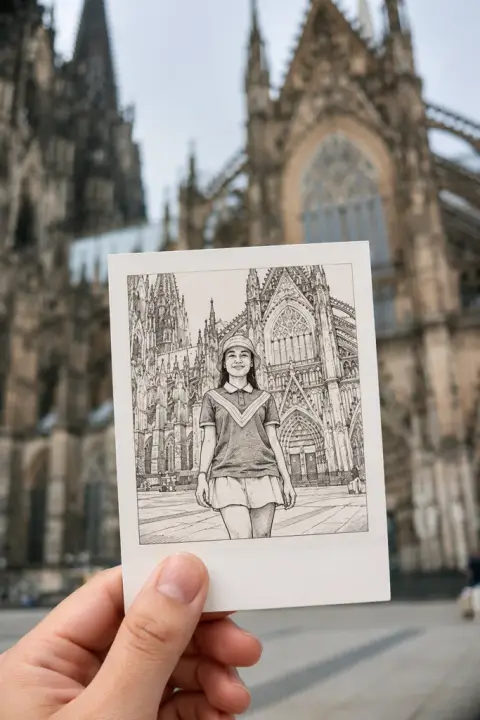
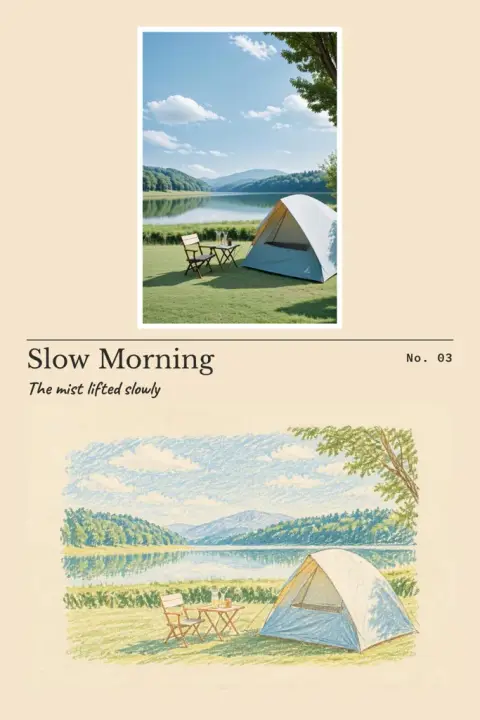
More real examples
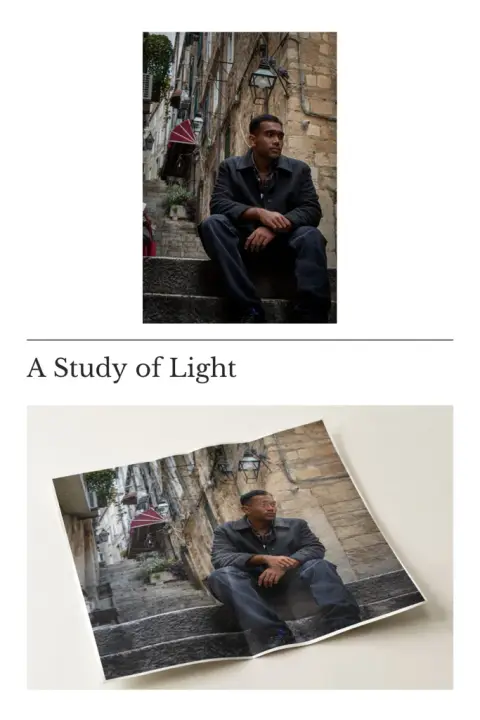
The photo that went in, then the result that came out.
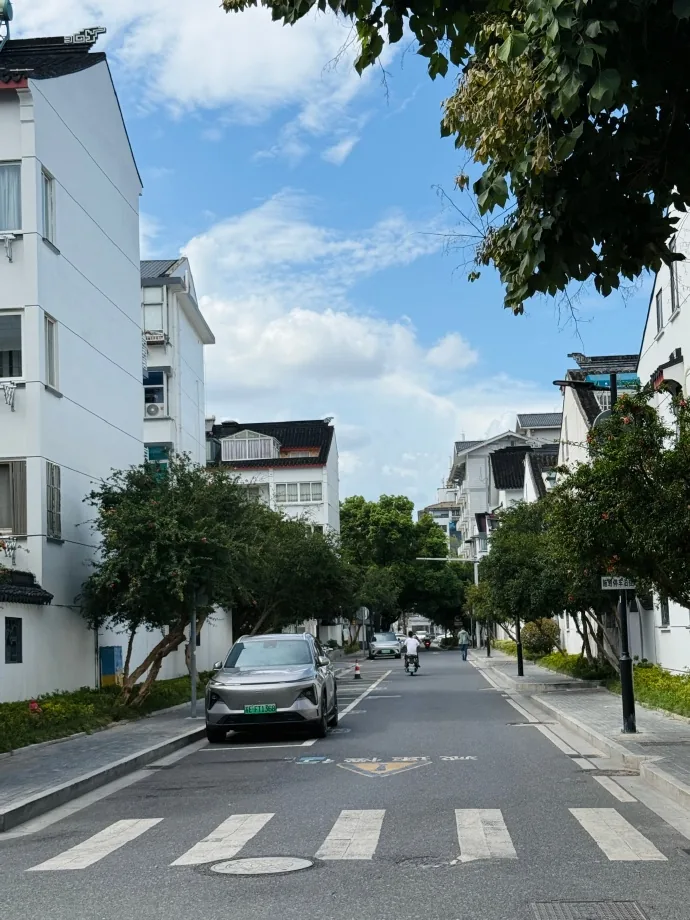
Photo used
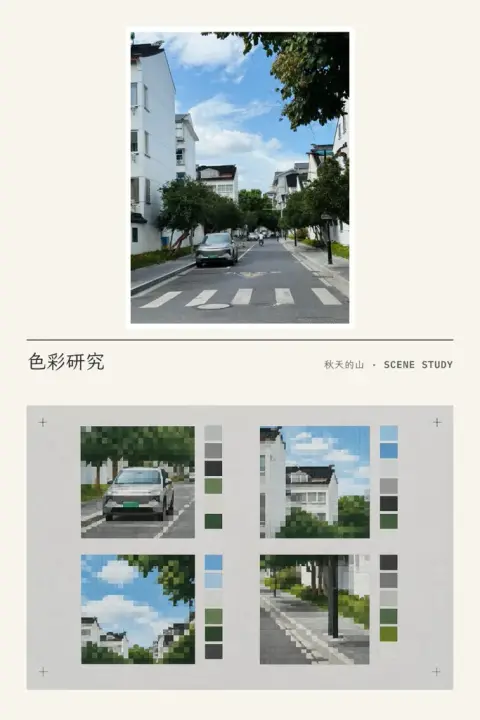
Light grey · Fine · 色彩研究 / 秋天的山 · SCENE STUDY

Photo used
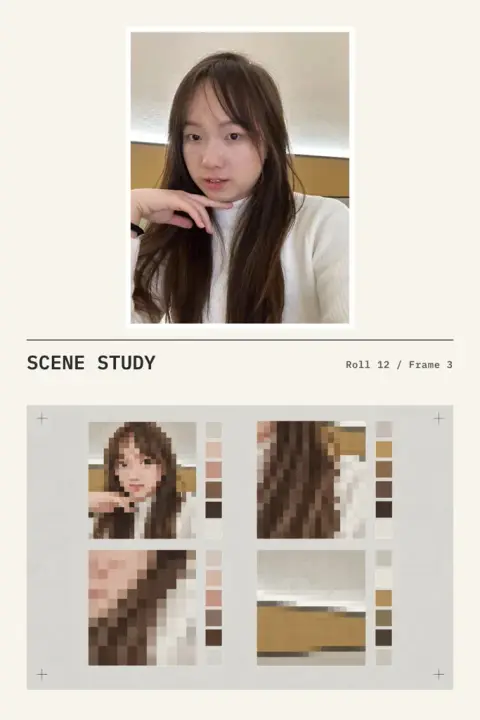
Light grey · Medium · SCENE STUDY / Roll 12 / Frame 3
What changes
The top half is your photo, only cropped, never changed. Below, it is distilled into four pixel tiles with color swatches in the chosen pixel size on the chosen paper. Your title and small line are set in real type, exactly as you typed them.
What a good result looks like
Your photo is unchanged; every tile clearly comes from it; the choices match; your words appear exactly as typed.
What you can choose
- Pixel size
- Medium, Coarse, Fine
- Paper
- Warm white, Light grey
- Your own words
- Title, Small line
Questions
- Will it look like me?
- Every example above is a real result of this style made from a real photo. AI generation is uncertain and may change details and composition; within 7 days of a result you can report a quality problem from its page once, and a person reviews it for a point credit.
- What happens to my photo?
- Your photo is used only to make the image and deleted after 7 days; the result is kept until you delete it. Results are private by default, and you decide whether to share one.
- What if it fails?
- Points are set aside when it starts and charged only if it succeeds; if it fails, they come straight back.
Model used: OpenAI GPT Image · gpt-image-2.5-sunburst